

If you forgotten your password or wish to reset it. This is a quick set of screens, but I will do a proper instruction sheet soon.
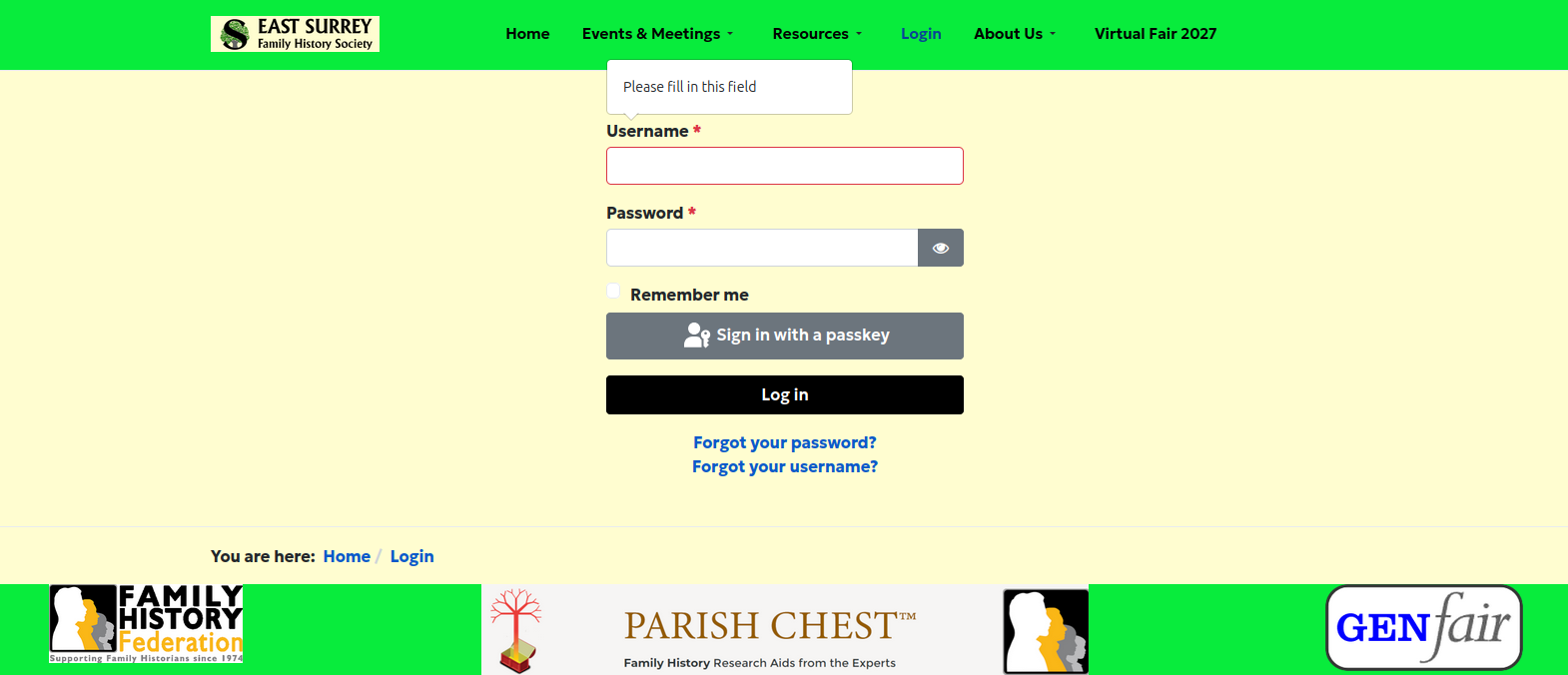
Click on Forgot your password.

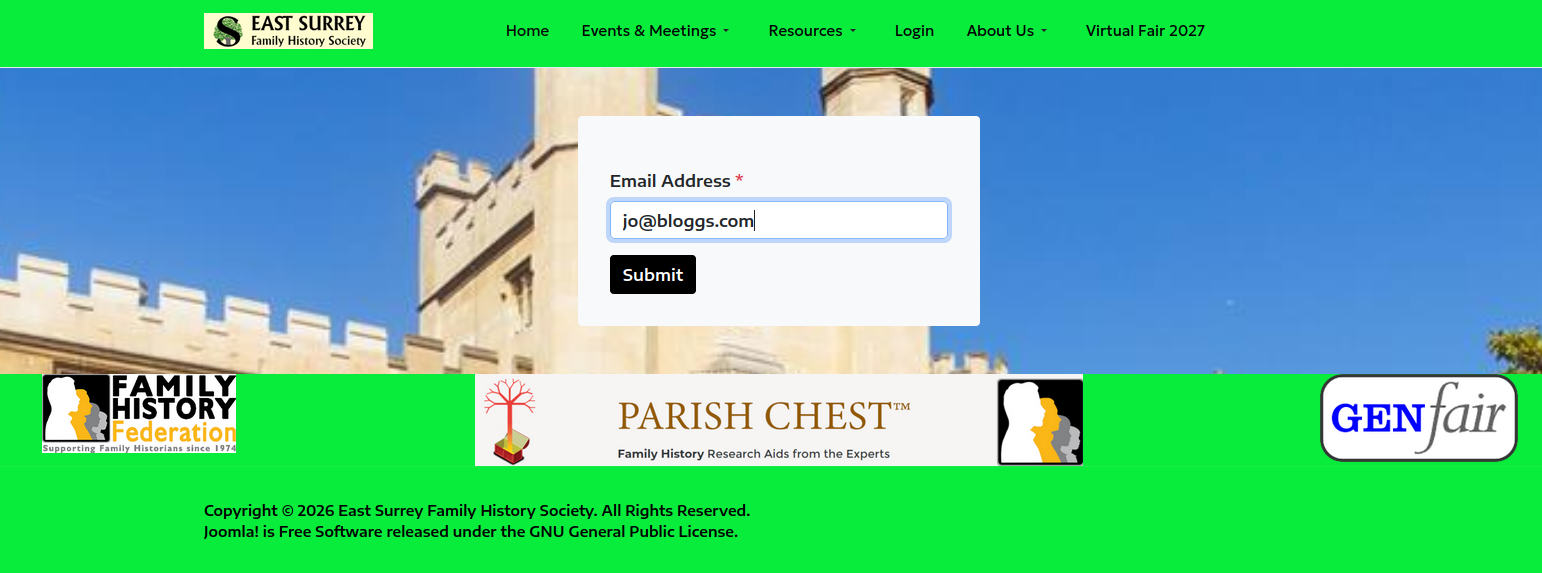
Enter you registered email address
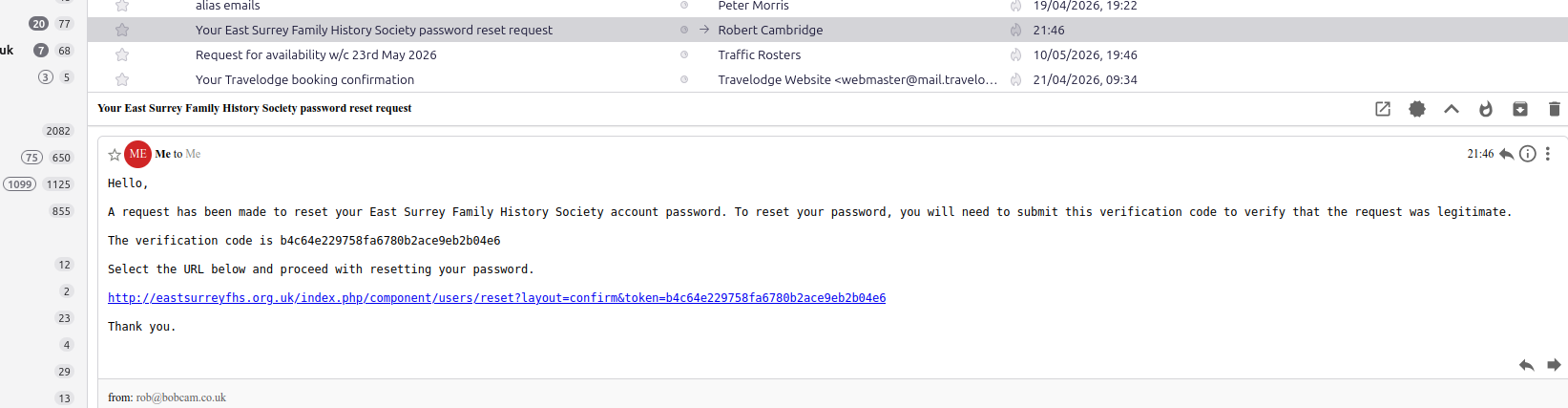
On your email you should then get something like this, though the exact format depends on you email client - mine is Thunderbird not Outlook!
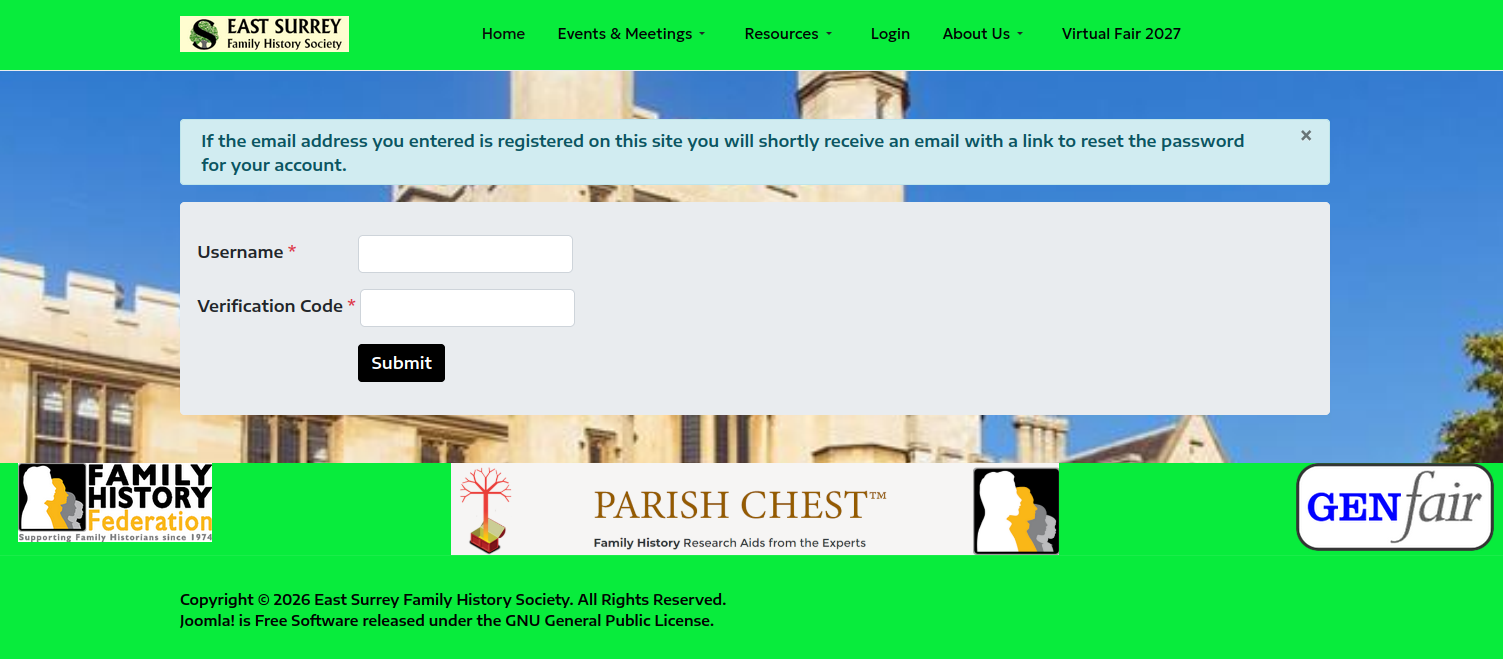
Then enter your details as below, your username is your East Surrey FHS ID - the Five digit number on your Journal envelope.
It will then ask you to reset your password, which should be 8 Charaters long, with at least one capital letter, one small letter and one symbol - #, £, % ! &